
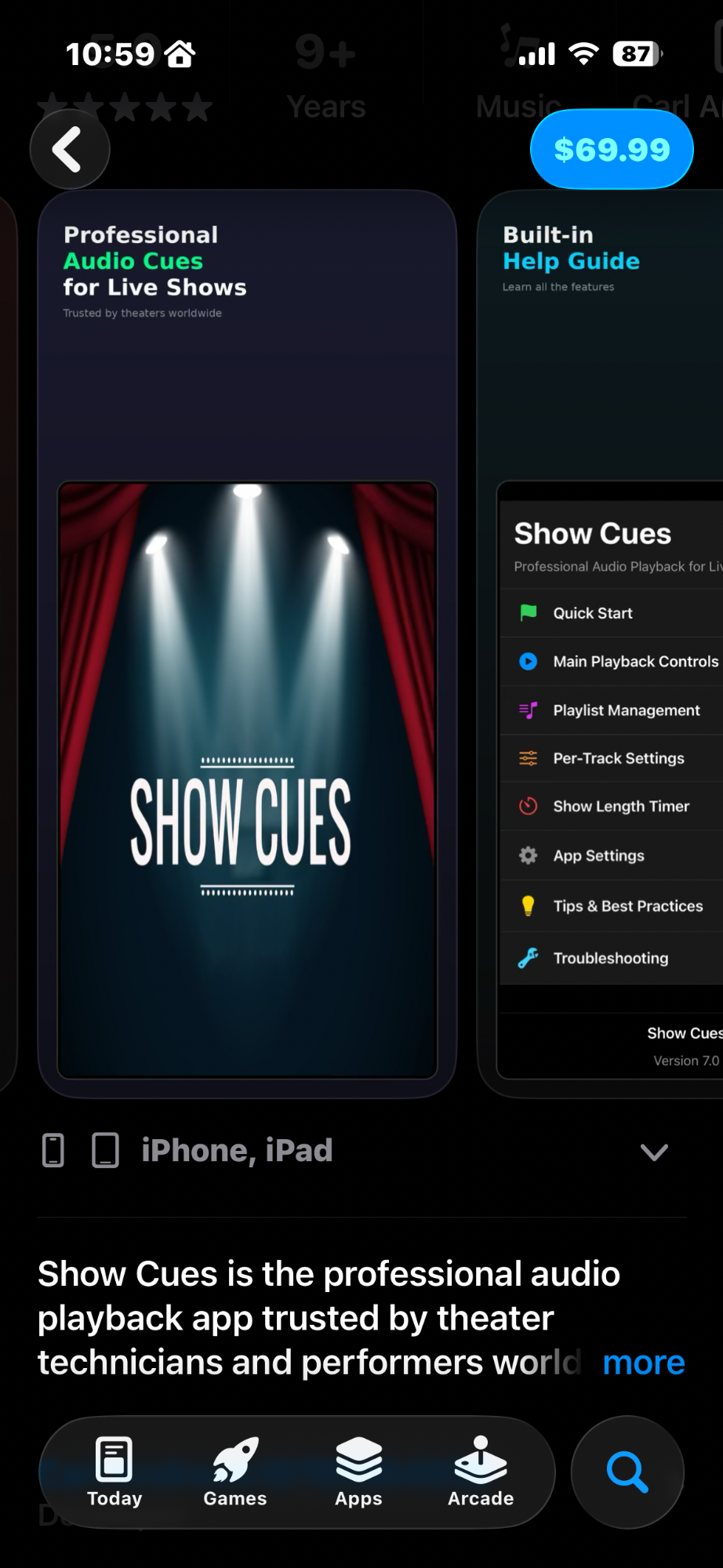
Professional Audio Playback for Live Performances. Trusted by theater technicians and performers worldwide.
One-time purchase: $69.99
Everything you need to run flawless audio for your live performances
Intuitive play/pause, skip, and fade controls designed for live use. Visual volume indicator in the play button shows current level at a glance.
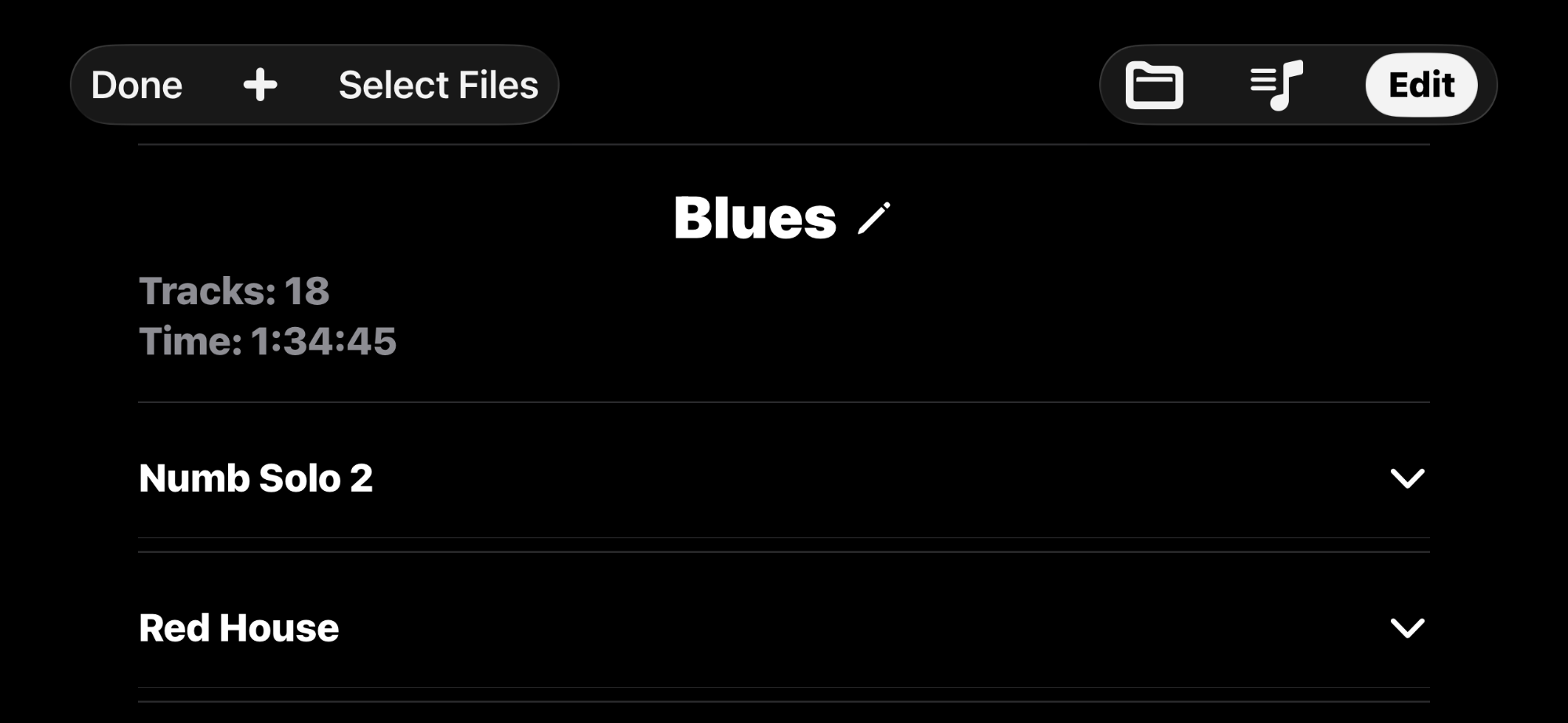
Add tracks from Apple Music or import audio files. Drag to reorder, rename tracks with custom names, and save multiple playlists.
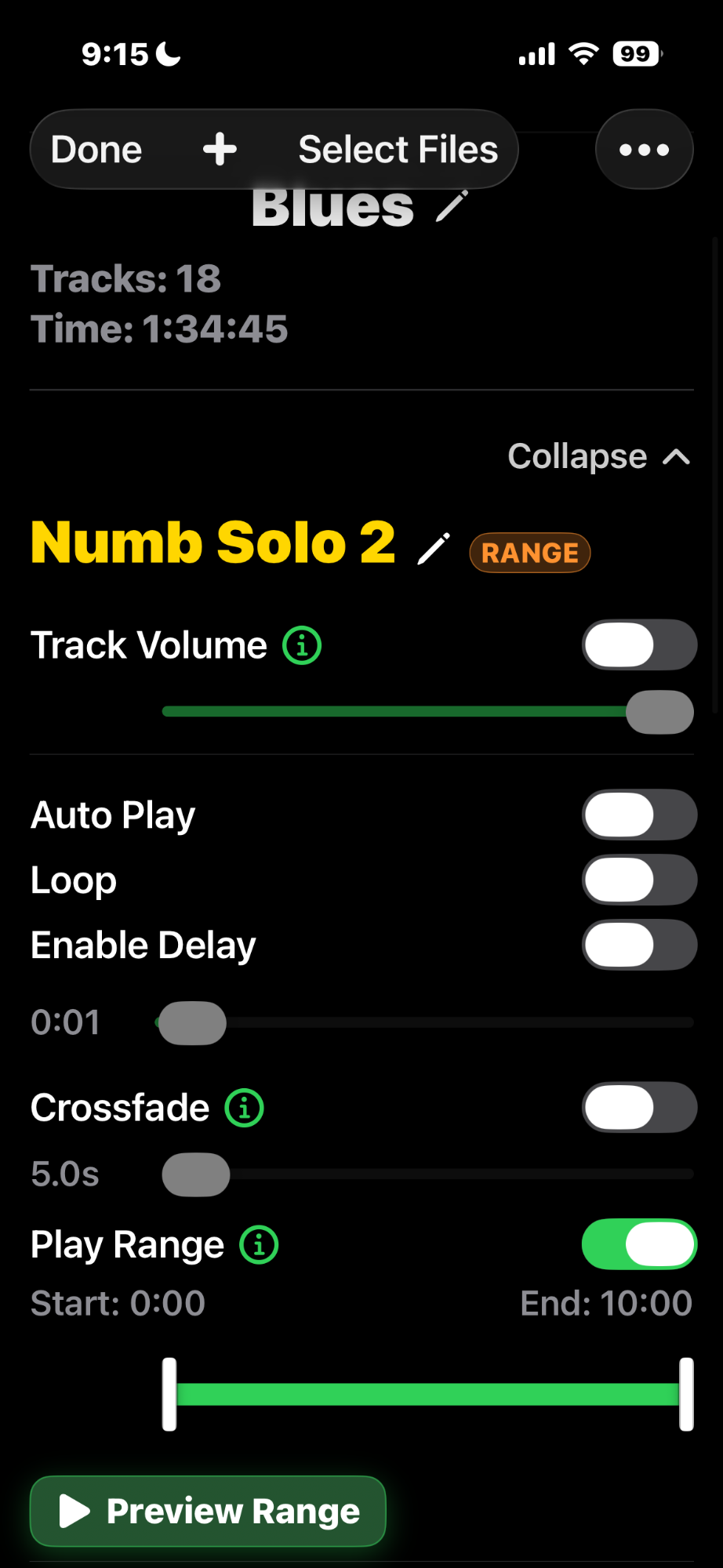
Configure Auto Play, Loop, Delay, custom Volume, Crossfade, and Play Range for each track independently.
Countdown timer starts automatically with playback. Flashes red when time expires to alert you during performances.
Save complete shows with all settings. Automatic iCloud backup syncs your shows across all your devices.
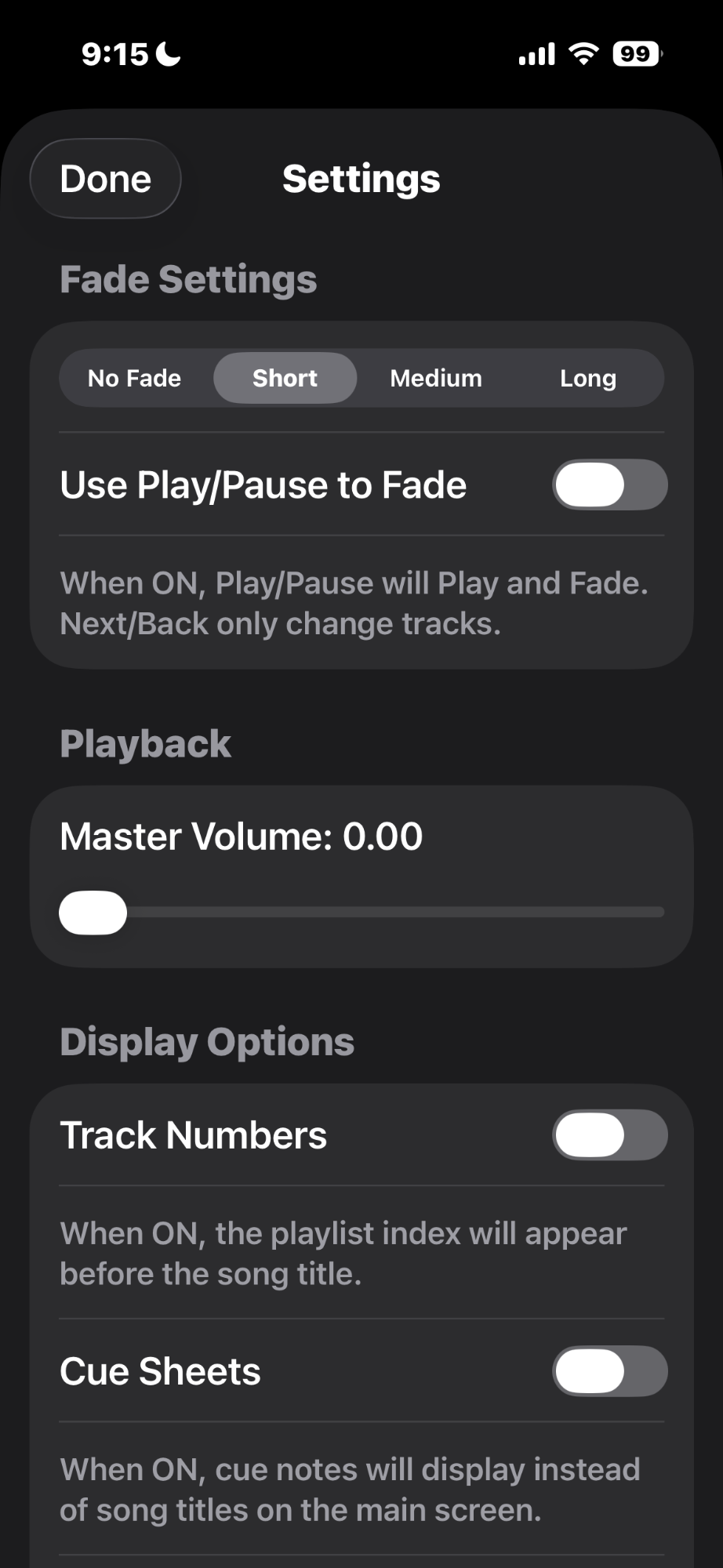
Display cue notes instead of song titles on the main screen. Perfect for stage managers and sound operators.
Test your playlist before the show to ensure smooth transitions
Use Track Volume to balance audio levels between different tracks
Enable Crossfade for seamless transitions between songs
Use Play Range to trim tracks without editing original files
Set delays between tracks for scene changes or announcements
Show Next Track feature helps operators prepare for upcoming cues
Vertical volume bar provides quick visual control
Save shows before performances - all settings are preserved
Designed specifically for live theater, dance performances, and events where reliability is critical.
Optimized for both iPhone and iPad with landscape and portrait orientations.
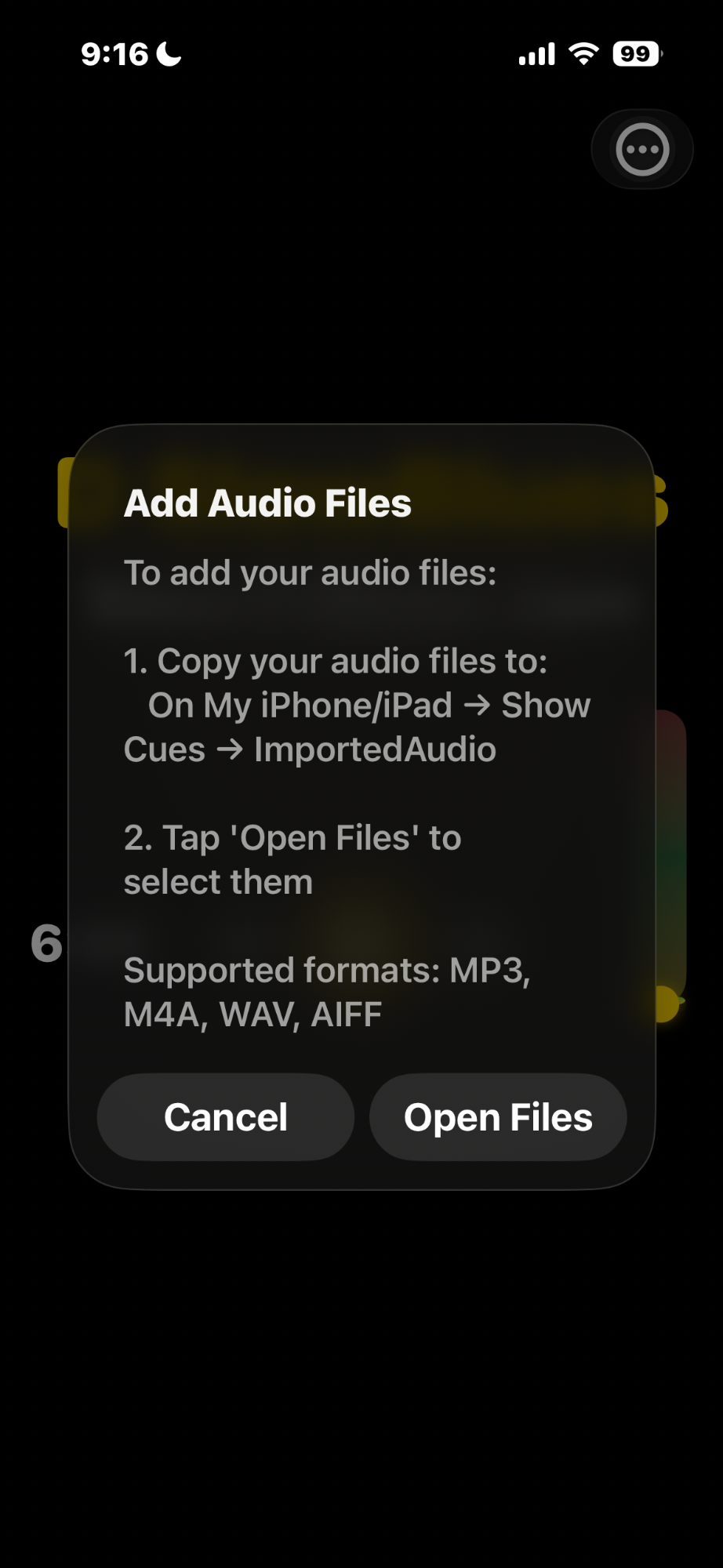
Supports MP3, M4A, WAV, and AIFF formats. Import from Files or use your Apple Music library.
Save shows with all settings including volumes, cue notes, play ranges, and crossfade settings.
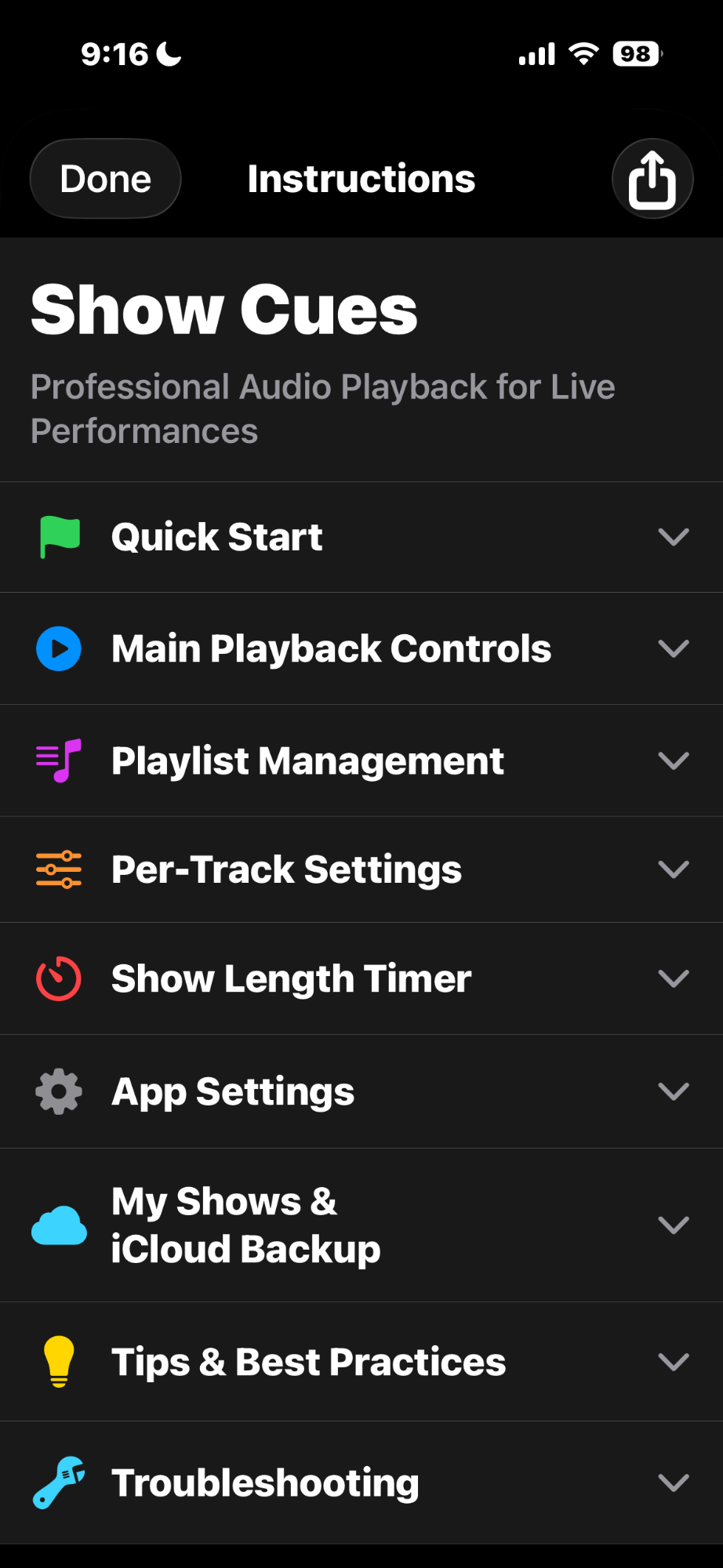
Comprehensive instructions available right in the app to help you get the most out of every feature.
Join theater technicians and performers worldwide who trust Show Cues Pro for their live performances.
One-time purchase • No subscriptions • Free updates
Download on App Store